Client Project, Orlando FL, 2026
GFTG Companion | Event platform for a 200+ attendee conference
Services
- Full-cycle product development
- Accessible, privacy-first design
- Matchmaking engine
- Cloud infrastructure & DevOps
Industries
About
Go for the Greens is a business development conference that has been bringing business owners together since 2007. The 2026 edition ran September 30 – October 3 at Disney's BoardWalk Inn in Orlando: 200+ attendees, four days of sessions, golf and networking.
GFTG Companion is the digital platform we built for it — three apps on one shared backend, live at event.goforthegreens.org. Attendees got the whole conference in their phone, organizers got one place to run it, and volunteers got a check-in scanner that works without the internet.
The Challenge
The organizers came with four goals. Put the program, the attendee directory and the badge in every attendee's phone. Help people meet the right people — and explain why they should. Let a small organizer team run the entire event from one place. And check people in at the door even when the venue Wi-Fi gives up.
And two rules above all. First, anyone should be able to use it with zero learning curve: no passwords, big buttons, plain words — if something needs explaining, it's designed wrong. Second, attendees share personal and business details, so security and privacy had to be built in from day one, not bolted on.
Our Solution
We designed and built three products that share one backend and one source of truth: a mobile web app for attendees, a desktop console for organizers and an offline check-in scanner for volunteers. Tickets flow in from Eventbrite automatically, every change an organizer makes shows up in the attendee app right away, and every scan at the door lands back in the console.
Signing in takes one tap on a personal link from a welcome email — nothing to remember, nothing to reset. Everything else follows the same idea: fewer steps, larger targets, words people actually use.
Key Features
The Attendee App
A passwordless mobile web app with the full four-day agenda — filters by day and track, search, a "happening now" view and add-to-calendar. A personal schedule warns about conflicts and can be subscribed to from any calendar app. A five-step profile captures industry, interests, goals and certifications. Plus the attendee directory, announcements, venue and hotel maps, and speakers.
Concierge Connections
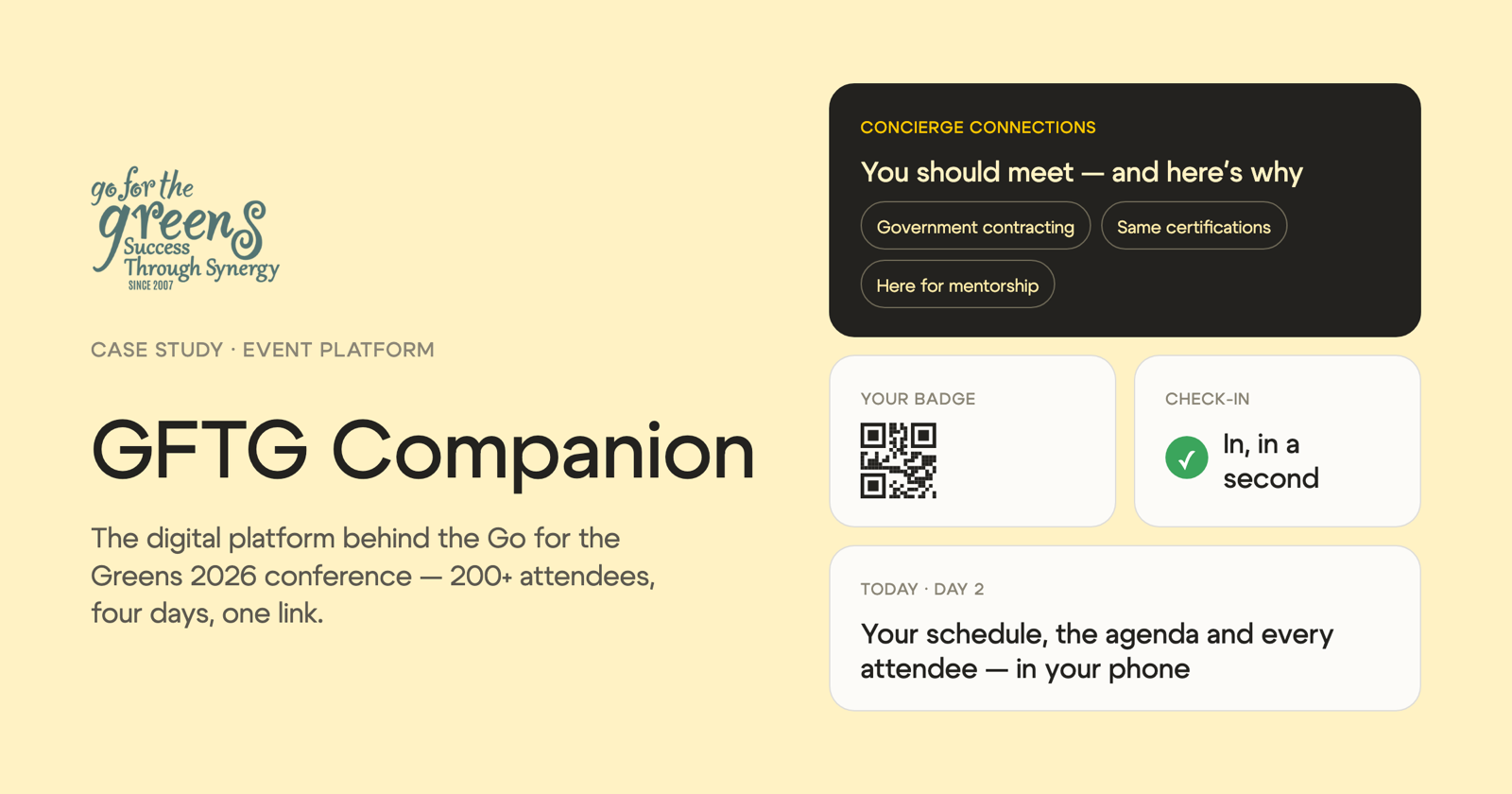
The heart of the platform. It matches attendees by interests, industry, goals and certifications — and tells them why, in human words: "You share an interest in government contracting, you hold the same certifications, and you both came for mentorship."
Matching is fair by design: a round-robin that starts with the people who have the fewest matches, so nobody is left out. It never pairs colleagues from the same company. And nothing reaches attendees until the organizers have reviewed it.
The Organizer Console
One desktop window for the whole event. A dashboard with attendees, tickets, profile completion and open issues. Automatic import from Eventbrite. Attendee management with search, filters, manual add, duplicate merge and deactivation. Editing for the agenda, speakers, days and home-screen tiles. Emails and announcements with preview and test send. QR badge preparation with a print-ready PDF. Roles for admins, editors and volunteers — and an audit log of every change.
Offline Check-in
A volunteer scans the QR badge, the screen turns green with the attendee's name, and check-in takes a second. The scanner works offline: the guest list is stored on the device and syncs when the connection comes back. It handles re-entry, revoked badges, refunded and unnamed tickets, and counts one check-in per day. No emails, phone numbers or addresses are ever stored on the device.
Communications That Land
Branded welcome emails with a personal sign-in link, sent in the background with live progress and never a duplicate. A reminder email with a welcome video and deep links straight into the app — to the video, the survey or the home screen. One-click unsubscribe that stops the emails but never takes away access to the app.
Secure & Private by Design
The information attendees share is personal, so they stay in control of it. Every attendee decides what in their profile is visible to others. Sign-in works through personal links sent to their own email instead of passwords — nothing to guess, reuse or leak.
Behind the scenes, access is role-based: admins, editors and volunteers each get only the tools their role needs, and every change is recorded in an audit log. Check-in devices never store emails, phone numbers or addresses. And no match reaches an attendee before the organizers have reviewed it.
Results
GFTG Companion ran live through the entire conference. For the first time in 19 years, the organizers ran the whole event from one window. Attendees arrived already knowing whom to meet and why. Volunteers checked people in with a single scan.
And the word we kept hearing from organizers, attendees and volunteers alike: "game changer".
Tech Stack
TypeScript, NestJS, PostgreSQL, Prisma, React 19, Vite, Tailwind CSS, TanStack Query, pnpm + Turborepo monorepo, typed OpenAPI contract, Docker, GitHub Actions, PWA with offline scanner